
Whisper · Docs
Console

Query editor

Read the graph in Cypher, or ask in plain English and let the console write the query for you. Every query is read-only.

1 · Write or generate a query

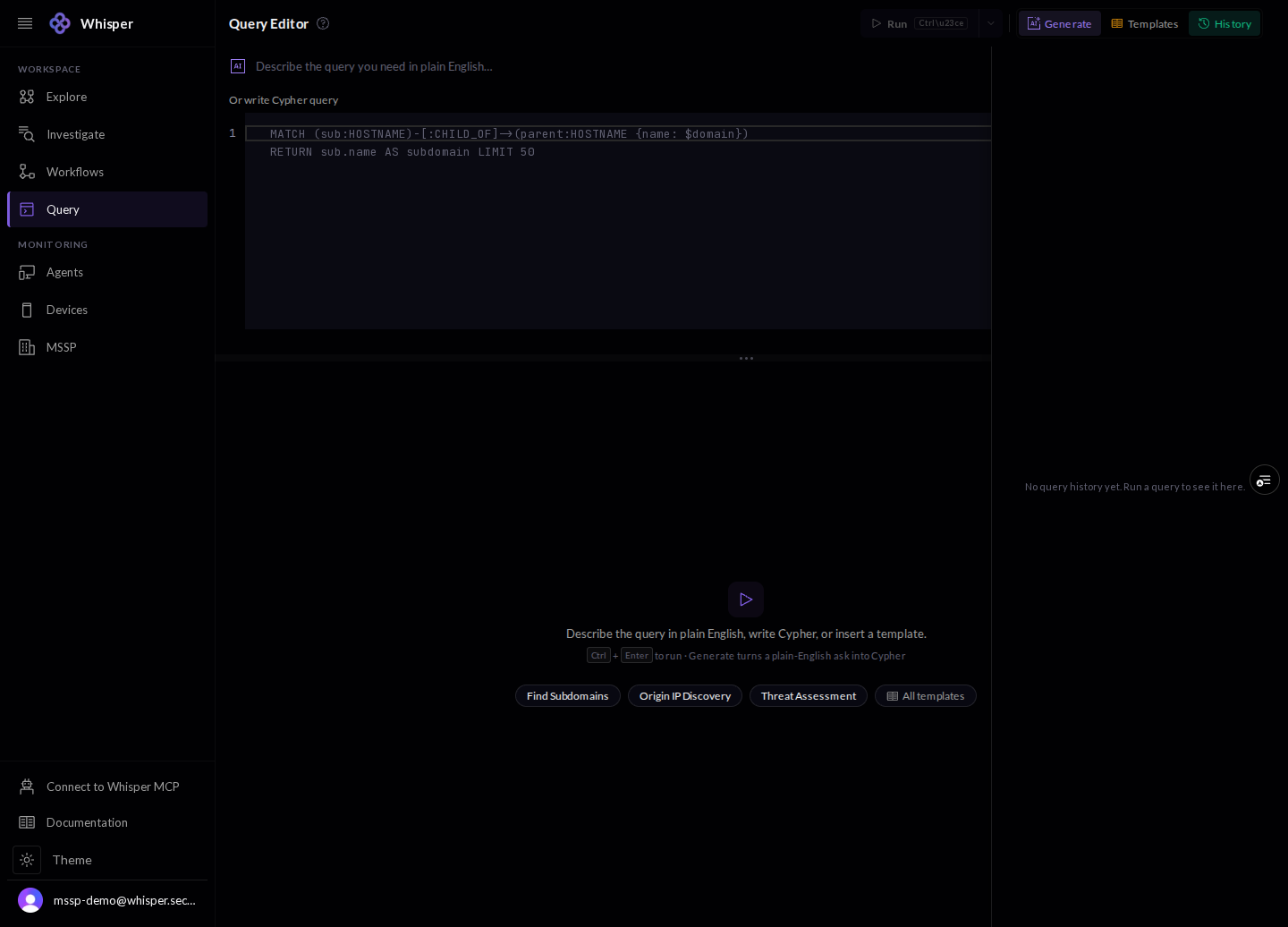
The editor takes a query two ways. Describe what you want in plain English and press Generate to turn it into Cypher, or write Cypher yourself. Run it with the button or Ctrl+Enter; Templates and History sit one click away.
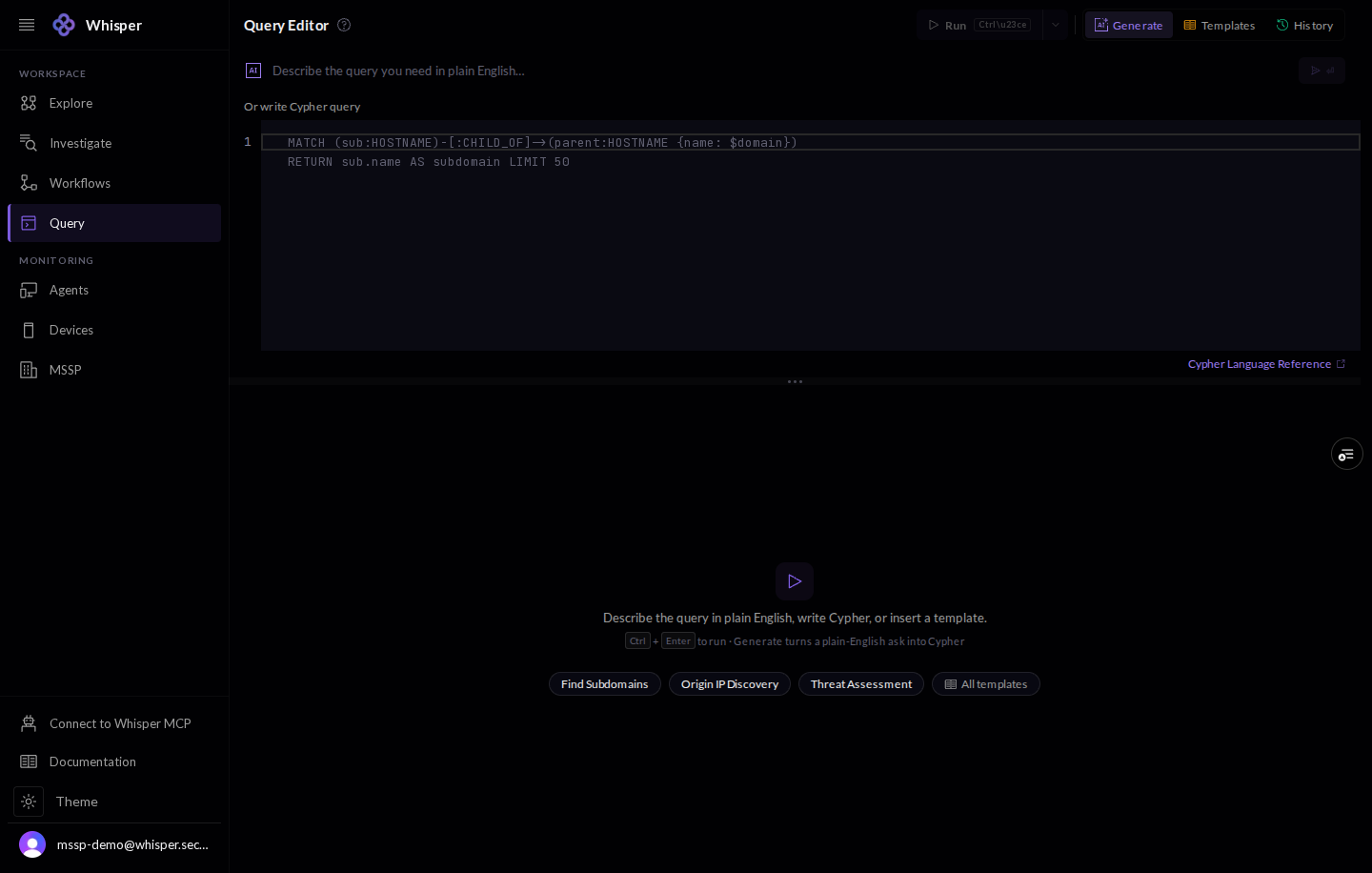
The Query Editor in the console: a plain-English box with a Generate button, a Cypher editor below it with an example query, a Run action, and Templates and History controls.
The editor. Describe the query in plain English and Generate, or write Cypher directly. Ctrl+Enter runs it.
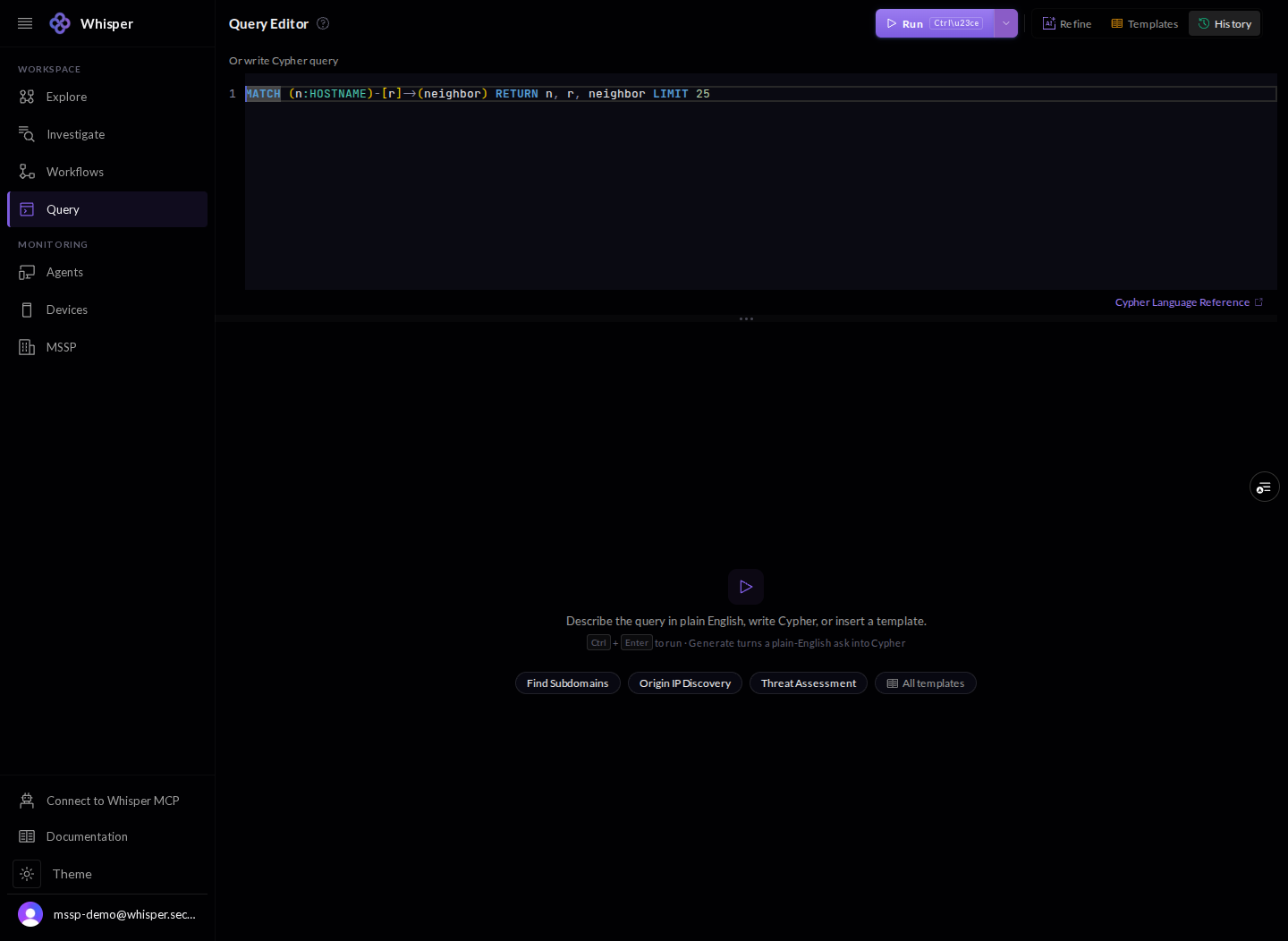
The Cypher editor with a query written in, ready to run.
A Cypher query, ready to run against the graph.

2 · Templates

The template library is a set of prebuilt queries grouped by goal, from a full threat assessment to IP and domain threat feeds to ASN reputation. Insert one to drop it into the editor and adapt it.
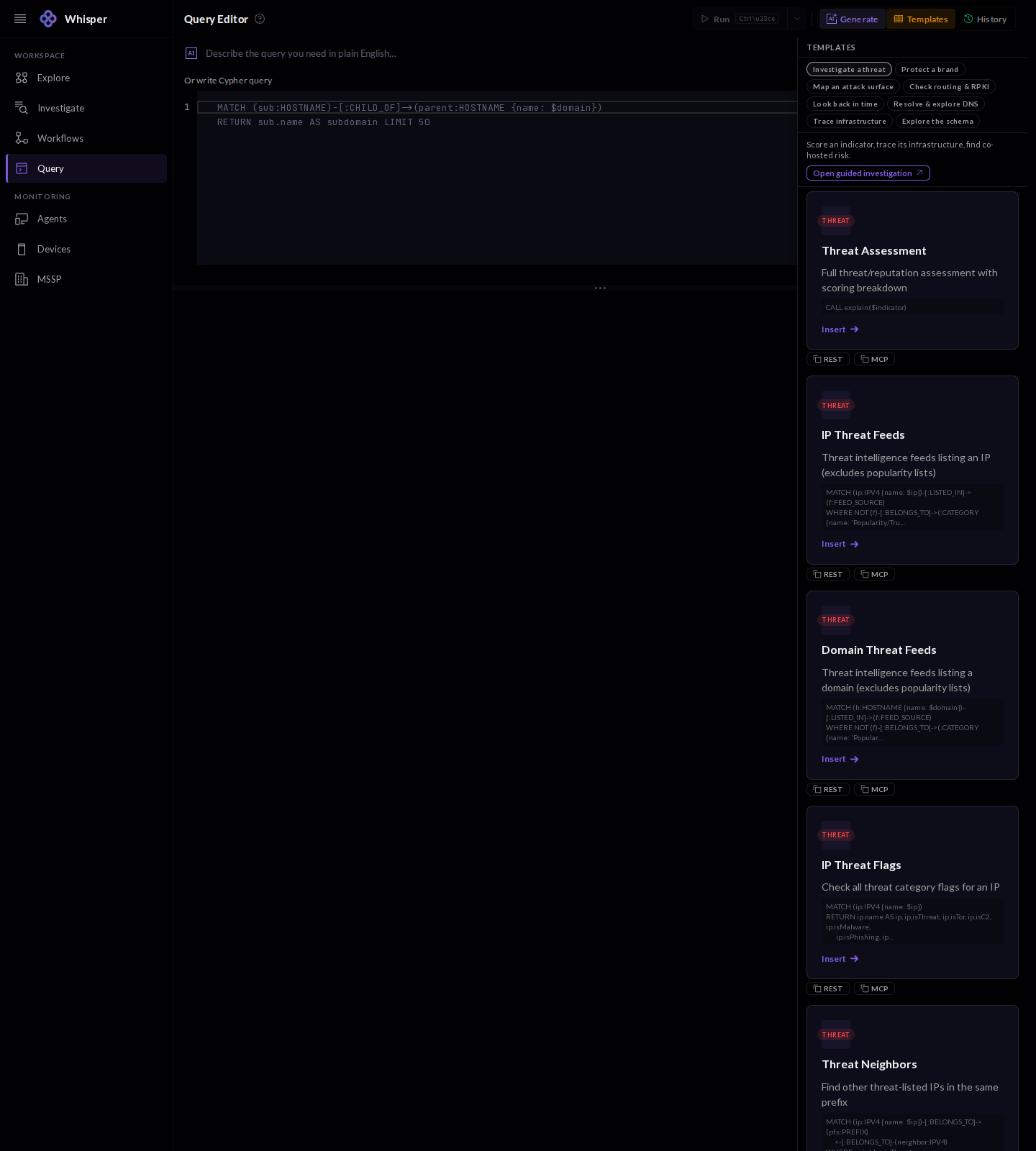
The Templates panel in the Query Editor, shown with demo data: a scrollable library of prebuilt queries grouped by goal, such as Threat Assessment, IP Threat Feeds, Domain Threat Feeds, and ASN Reputation, each with an Insert action.
The template library: prebuilt queries grouped by goal. Insert one to load it into the editor. Demo data.

3 · Results

Results render as a table by default, and also as a graph, raw JSON, or a query plan. The console shows the row count and timing, and every query runs read-only and limited. Export the rows to CSV when you need them elsewhere.
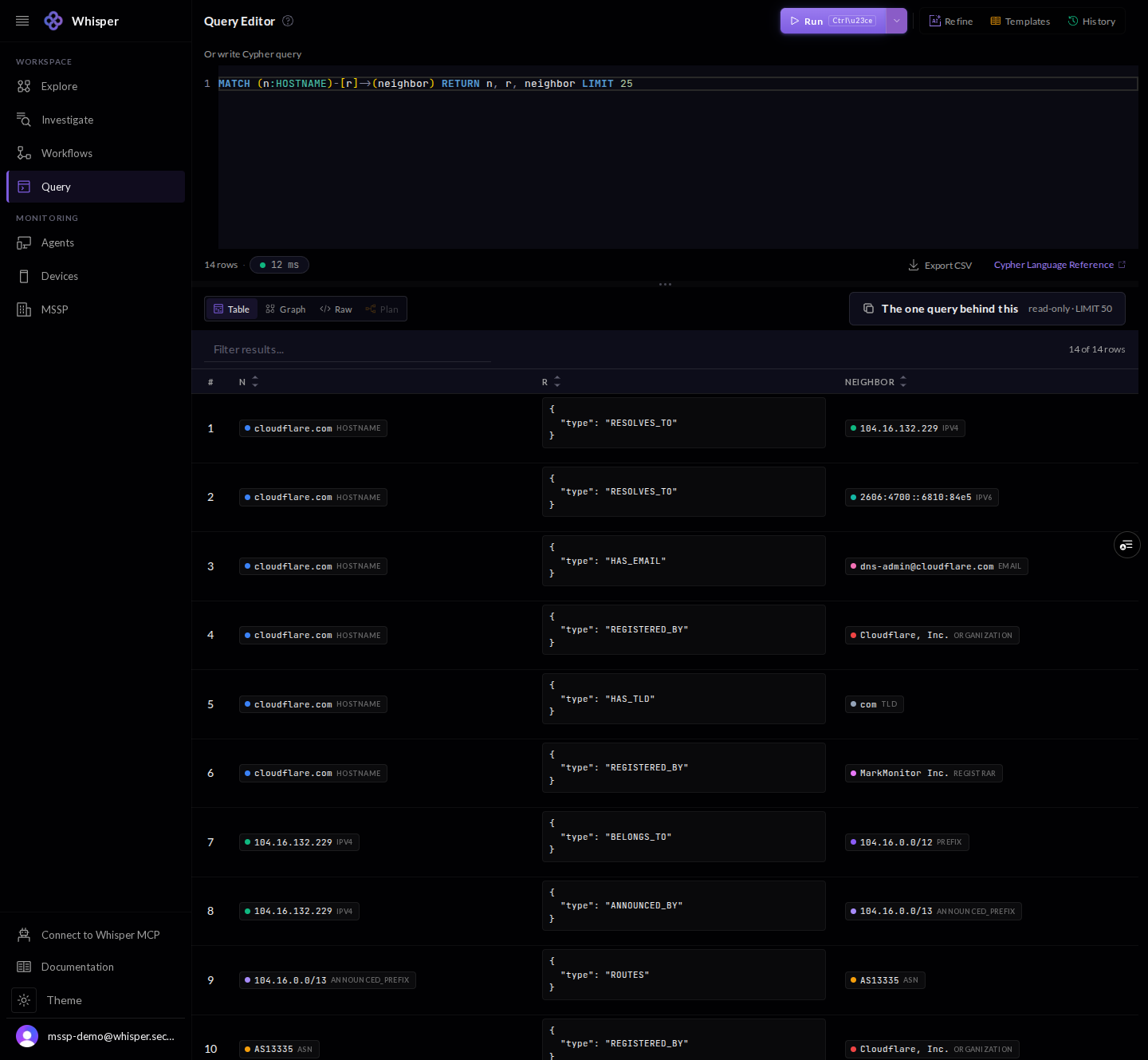
Query results in the console, shown with demo data: a table of rows with Table, Graph, Raw, and Plan views, a row and timing count, an Export CSV action, and a note that the query is read-only.
Results render as Table, Graph, Raw, or Plan. Queries are read-only and limited; export to CSV. Demo data.

4 · History

History keeps your recent runs so you can re-open and re-run them.
The History panel in the Query Editor, empty, with a note that runs will appear here.
History keeps your past runs. Empty here in a fresh demo workspace.