 Docs
Docs
Account and keys
Your profile, your API keys, your plan, and a place to reach the team, all under one account.
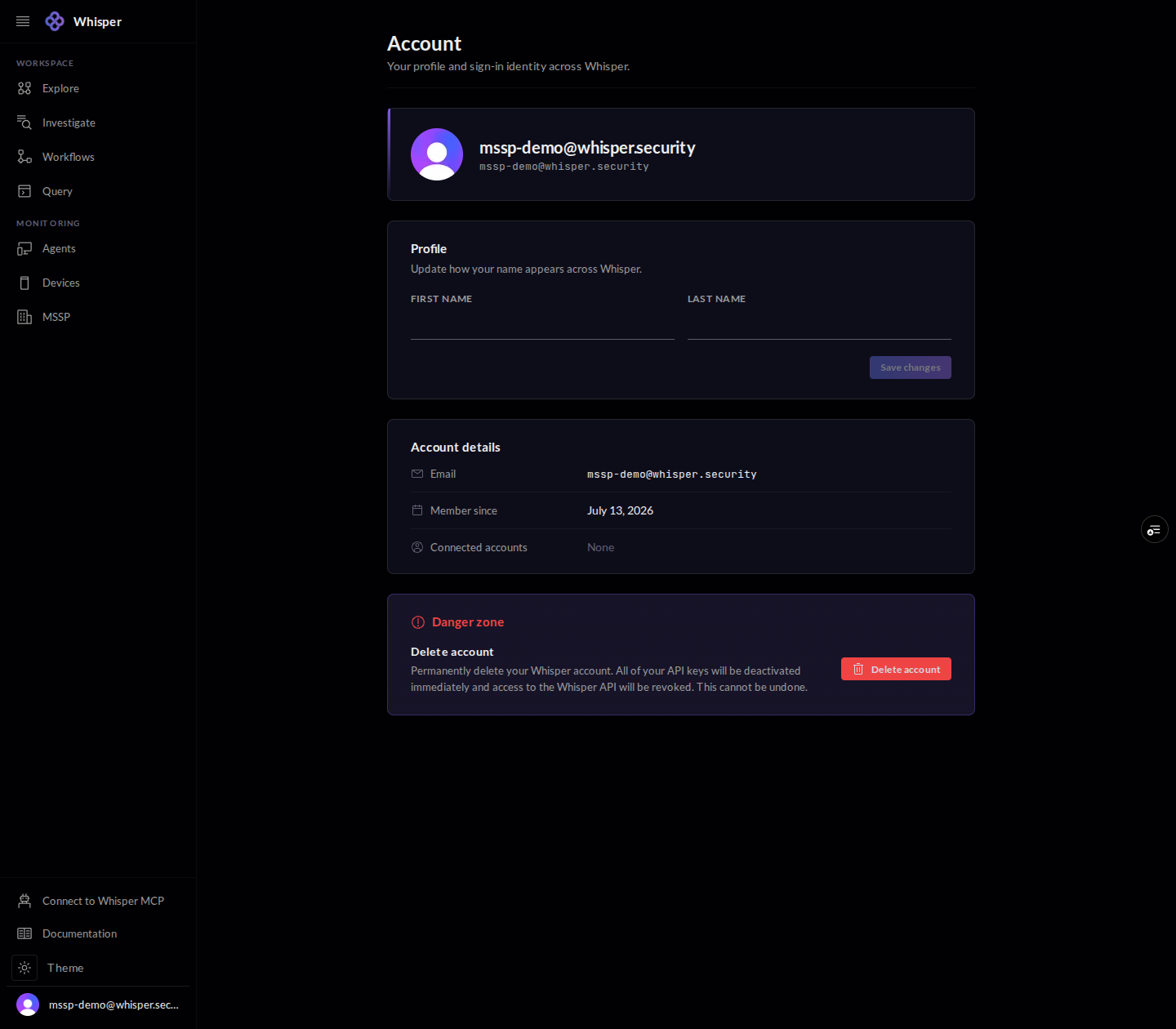
1 · Account
The Account page carries your profile and sign-in identity across Whisper. Update how your name appears, see your account details, and, in the danger zone, delete the account (which deactivates every API key).
2 · API keys
API keys authenticate your API and MCP access to the graph. Generate a key with a descriptive name so you can tell it apart later. The secret is shown once, at creation, so store it then.

3 · Usage and billing
Usage charts query activity across your keys over windows from an hour to ninety days. Billing carries your plan, usage quota, and payment details. Both read live from your account, so they are best viewed in the console rather than pictured here.
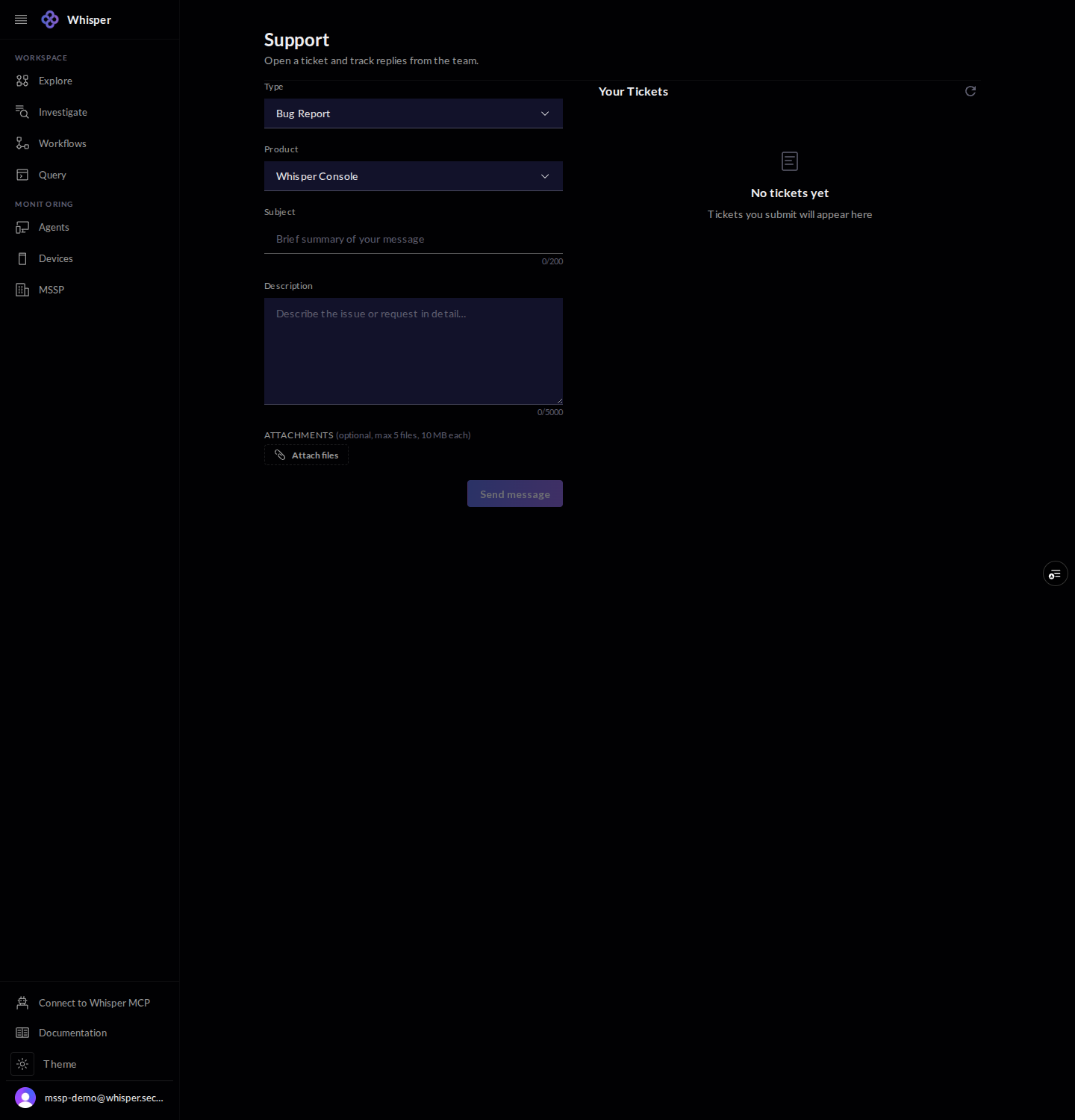
4 · Support
Open a support ticket with a type, a product, a subject, a description, and optional attachments, then track the team replies. Your tickets list beside the form.